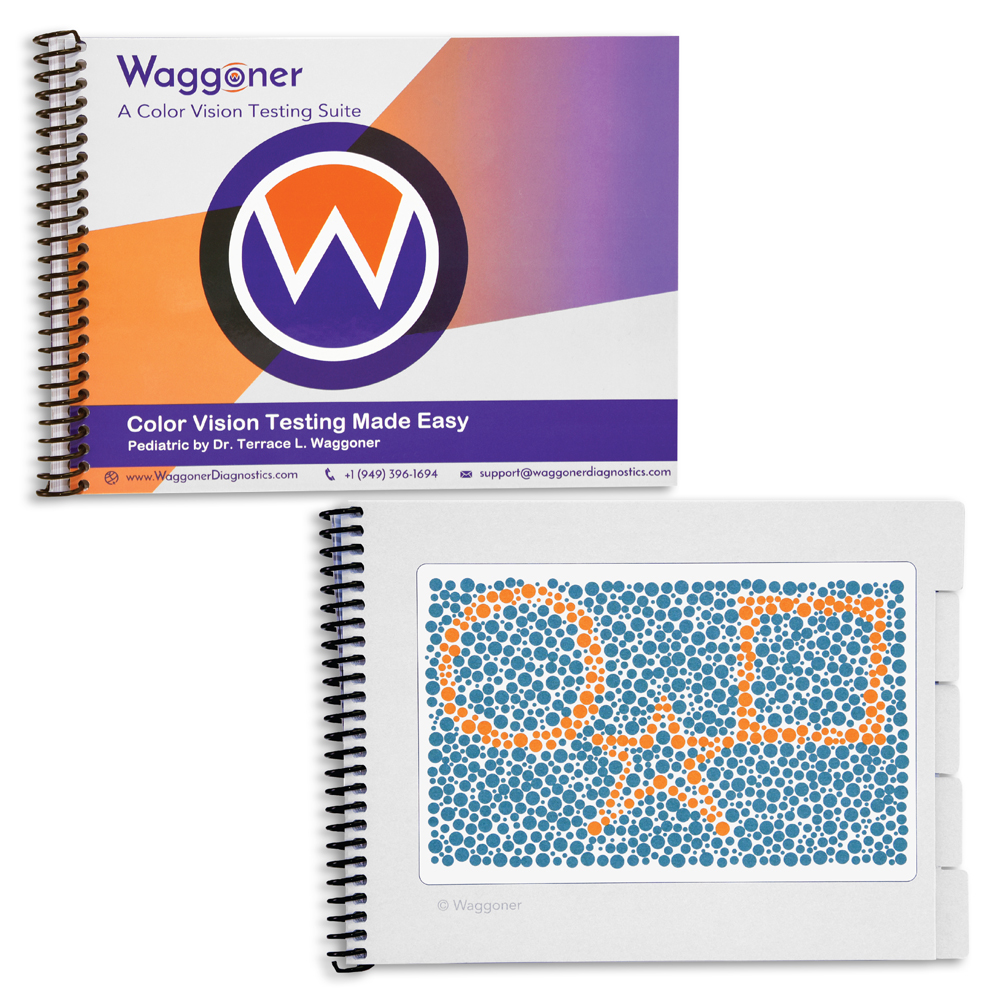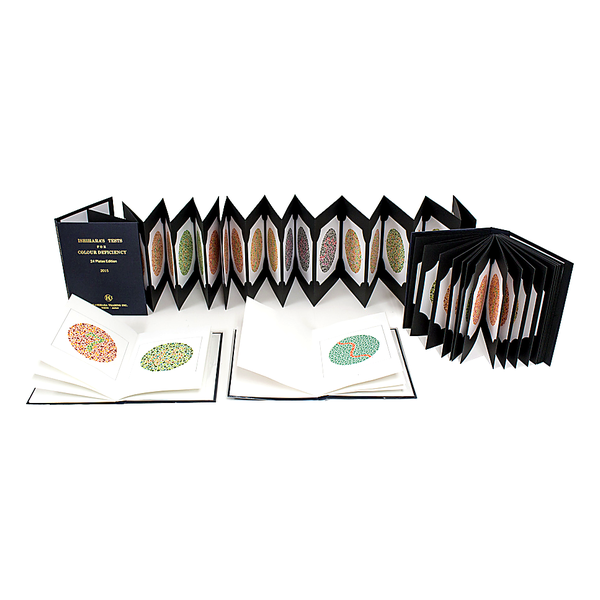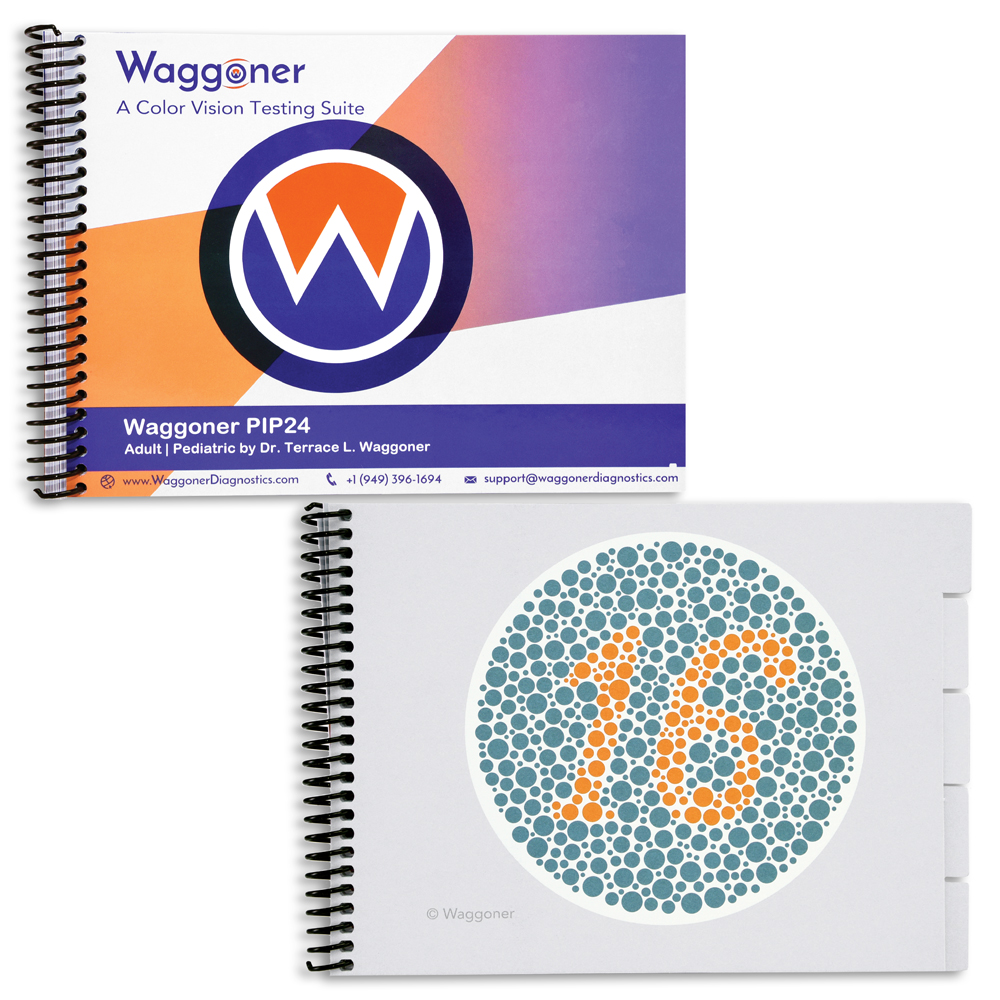

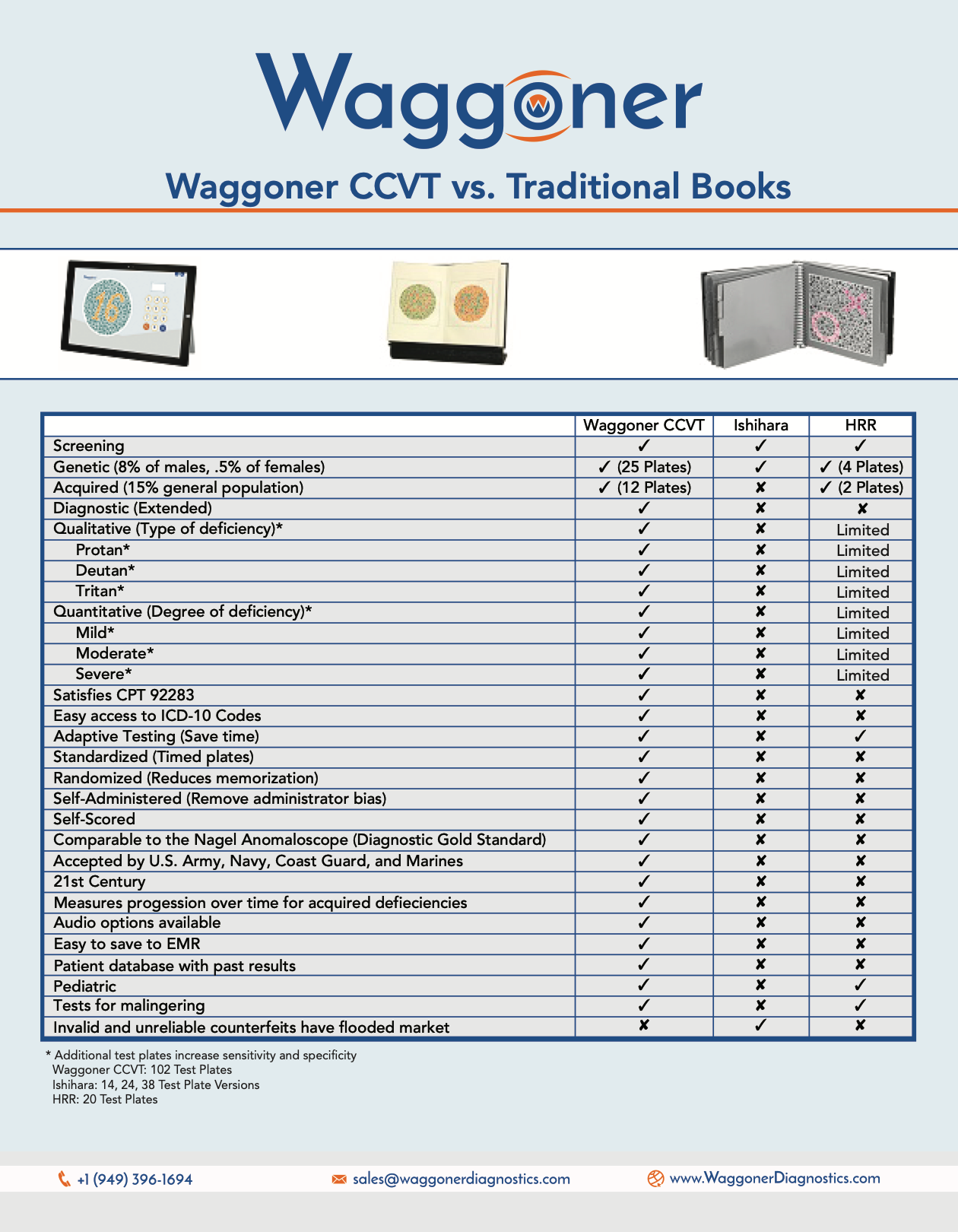
WCCVT propels you forward in the world of patient care. Here's how:
Waggoner CCVT Advantages
Why use the Waggoner CCVT?
| Clinical Studies & Research | |||
|---|---|---|---|
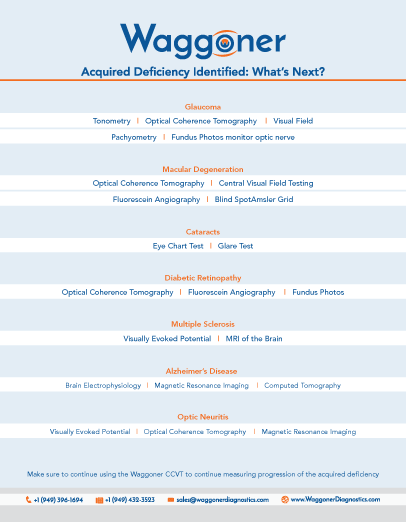
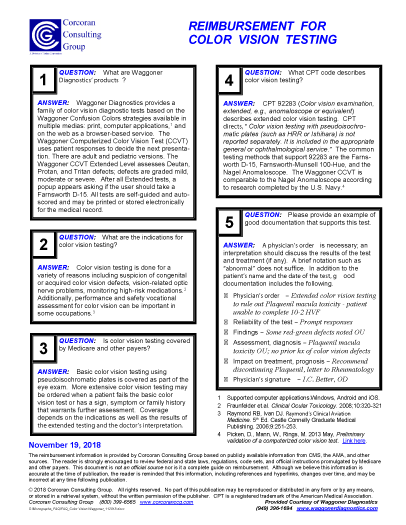
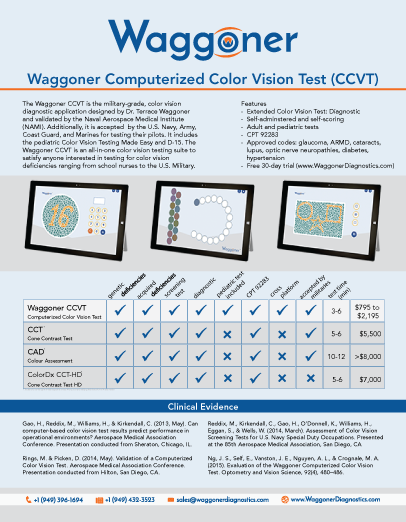
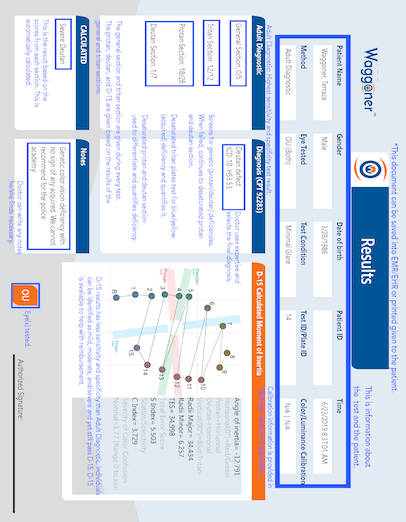
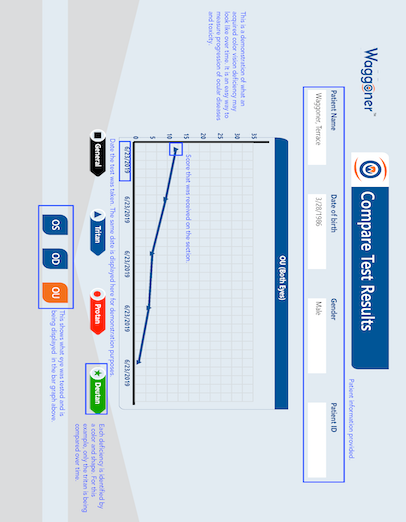
 Waggoner Computerized Color Vision Test Clinical Research |  Color Vision Testing Made Easy Clinical Research |  Waggoner PIP24 Clinical Research | Waggoner HRR Clinical Research |


Frequently Asked Questions for Windows OS
How Many Patient Results Can Be Saved on a Computer?
Storing approximately 100 test results is equal to approximately 1 megabyte. This means that 100,000 test results can be saved on 1 gigabyte. If user has Administrator rights on the Windows operating system, then he/she is able to install the Waggoner CCVT for all users. By default it will install in the following location, "C:Program Files (x86)WaggonerWaggoner CCVT." The Waggoner CCVT will be available for each Windows user registered in system.
IMPORTANT NOTE: Each Windows user will have their own patient database created for them. This means that User A will only be able to see tests results for tests administered under User A and User B will only be able to see results for the tests that were administered under User B.
How Do I Download and Install the Waggoner CCVT on My Windows Computer/Tablet/Laptop?
Select on "Download A Free 7-Day Trial" by clicking here and completing the form on the link and following the download instructions.
Do I Need to Calibrate My Monitor?
We always like to ask doctors if they are currently giving their color vision tests under a 6500k light, which we know 99% of them are not. In a clinical study performed by two academic institutions, they said that the Waggoner CCVT on a calibrated monitor had slightly better agreement with the anomaloscope compared to the Waggoner CCVT that was uncalibrated. In another study conducted by the Naval Aerospace Medical Institute, the uncalibrated Surface Pro 3 Tablet and calibrated PC had similar high sensitivity and specificity (98%-100%) for detecting red/green CVD as compared to Nagel Anomaloscope. The U.S. Air Force said that calibration is not as critical due to the technology we employ when making our test plates. All in all, the sensitivity and specificity on an uncalibrated monitor are better than traditional books under a 6500k light.
There are several monitors and tablets that have a perfect rendition of the color spectrum right out of the box and these include Surface Tablets, Samsung Galaxies, and iPads.
If I Want to Calibrate My Monitor, What Are the Best Settings?
D6500, gamma 2.2 would be a nice target to shoot for with the calibration. (sRGB would no longer apply for a calibrated screen. It just ends up a calibrated Windows color profile). The calibration should target a 100 cdm2 brightness, which can be obtained by adjusting the brightness to approximately 50%. You may or may not have to toggle around with the brightness a bit. Make sure to ensure night mode is off, and no change in brightness is on when in battery mode, per the Windows power setting.
What computer specifications are needed?
- Windows 11 OS
- 1 gigahertz processor
- 512 MB RAM
- 4.5 GB disk space
**Note: CCVT is NOT supported on the Android platform
Frequently Asked Questions for Waggoner CCVT on iPad
How Is the iPad Version Different Than the Windows Version of the Waggoner CCVT?
iPads do not require color or luminance calibration screens because research conducted by the U.S. Navy has shown that they deliver highly accurate and consistent color performance. However, we recommend adjusting a few settings to ensure optimal test conditions.
Set the iPad's luminance (brightness) to 50% of its maximum level (approximately 100 cd/m²), and make sure to disable "Night Shift."
You can find Apple's step-by-step instructions for disabling Night Shift here:
https://support.apple.com/en-us/118583
How Do I Print My Results?
Apple uses a technology called AirPrint, which requires an AirPrint-compatible printer. The Waggoner CCVT for iPad works seamlessly with AirPrint, but you must first ensure that your printer is properly configured to work with your iPad.
For a helpful overview of how AirPrint works, Apple provides a short video here:
https://www.youtube.com/watch?v=UxJrQJmB6UA
What Are the Minimum System Requirements to Run WCCVT on My Apple Device?
iOS - any iPad that can run iOS 15 and above
Mac - Any Mac with apple silicon chip (M1, M2, and M3 chips)
Waggoner Computerized Color Vision Test (CCVT) Overview
Running Your First Diagnostic Test (Waggoner CCVT)

Related Products